












Fish Eat Fish.io
Epic Plane Evolution

Spring Spear: Aim & Snap

Heartopia

Escalators

Love Tester - Find Real Love

Survivalcraft

Gangs Wars: Pixel Shooter RP

Weapon Master: Gun Shooter Run

Ride Master: Car Builder Game

FNaF 6: Pizzeria Simulator
Clickteam USA LLC
Updated
Oct 28, 2026
Category
Horror
Installs
10M+
Rating
Updated
Oct 28, 2026
Category
Horror
Developer
Clickteam USA LLC
Installs
10M+
Rating
Game Screenshots
Game Overview
Spooky Pizza Tycoon
A free FNaF-inspired spin-off that begins as a cute pizza shop simulator but quickly turns into classic horror 👀. Build your dream pizzeria, manage your budget, and try to survive eerie nights in the back office.
Build, Upgrade, Survive
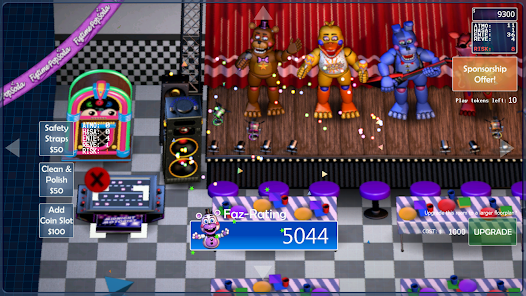
Choose decorations, arcade machines, and animatronics to bring in more customers 💸. Every decision affects your rating, income, and danger level, turning simple management into a high-stakes strategy.
Story-Rich Horror Experience
Behind every order and upgrade lies dark FNaF-style lore 📖. Unlock secret endings, find hidden files, and slowly uncover what really happened in this haunted franchise.
Perfect for Fans & New Players
It blends casual tycoon gameplay with tense jump-scare moments 😱. Easy to start but hard to fully master, with multiple paths, surprises, and strong replay value for both new players and longtime FNaF fans.
How to Get Started
Step 1: Freddy Fazbear's Pizzeria Simulator combines daytime restaurant management with tense night-shift survival gameplay. Players earn money, place attractions, and then switch to the office—where staying alive means avoiding lurking animatronics 😈.
Step 2: Start Your Pizzeria
Step 3: Begin a new save file, name your restaurant, and follow the simple tutorial. Use the catalog to purchase basic tables, a stage, and inexpensive animatronics to get your business running.
Step 4: Use Catalogs to Buy Items
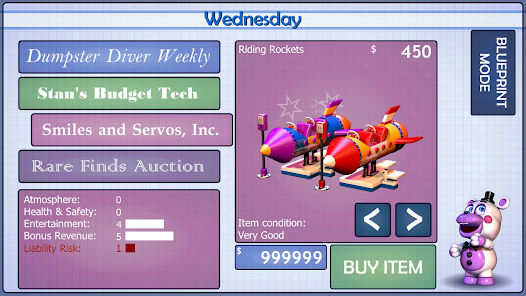
Step 5: Open the catalog between days, browse different categories, and spend your limited funds on decorations, entertainment, and safety upgrades. Always check stats like Atmosphere, Entertainment, and Risk before buying.
Step 6: Place and Upgrade Equipment
Step 7: Enter build mode, tap empty spaces, and place newly purchased items 🎪. Rearrange everything to improve space usage and ratings, then confirm your layout for the next business day.
Step 8: Run the Night Office Tasks
Step 9: When the day ends, sit at the office terminal. Print flyers, order supplies, and fix maintenance issues using the task list, while noise from fans may attract unwanted attention through the vents.
Step 10: Manage Heat, Noise, and Animatronics
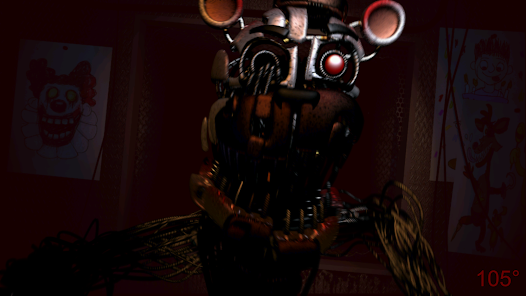
Step 11: Use tools like the fan, audio lures, and motion detector wisely 🧊. Shut down equipment when threats get close, redirect animatronics with sound, and react only when radar or audio cues signal danger.
Step 12: Salvage Carefully for Extra Cash
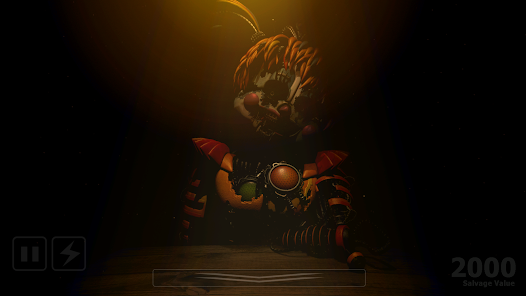
Step 13: At closing time, decide whether to salvage recovered animatronics. Follow voice instructions, use audio prompts, and watch closely for movement. Stay calm—if it attacks, hit the shock button immediately! 🎭
Download App
Star Ratings
More Games to Play













Disclaimer
Playcove is not affiliated with nor represents any developer, and is not the developer of any App or game.
Playcove solely collects and displays information from Google Play, including screenshots, historical version APK files, and download links.
All trademarks, registered trademarks, product names, company names, and logos appearing on this site are the property of their respective owners.
We guarantee the security of all APK files provided on our site and also provide official download links from Google Play and the App Store for your reference.