












Fish Eat Fish.io
Epic Plane Evolution

Spring Spear: Aim & Snap

Heartopia

Escalators

Love Tester - Find Real Love

Survivalcraft

Gangs Wars: Pixel Shooter RP

Weapon Master: Gun Shooter Run

Ride Master: Car Builder Game

Fortnite
Epic Games, Inc.
Updated
Oct 28, 2026
Category
Action
Installs
10M+
Rating
Updated
Oct 28, 2026
Category
Action
Developer
Epic Games, Inc.
Installs
10M+
Rating
Game Screenshots
Game Overview
Battle Royale Action 🎯
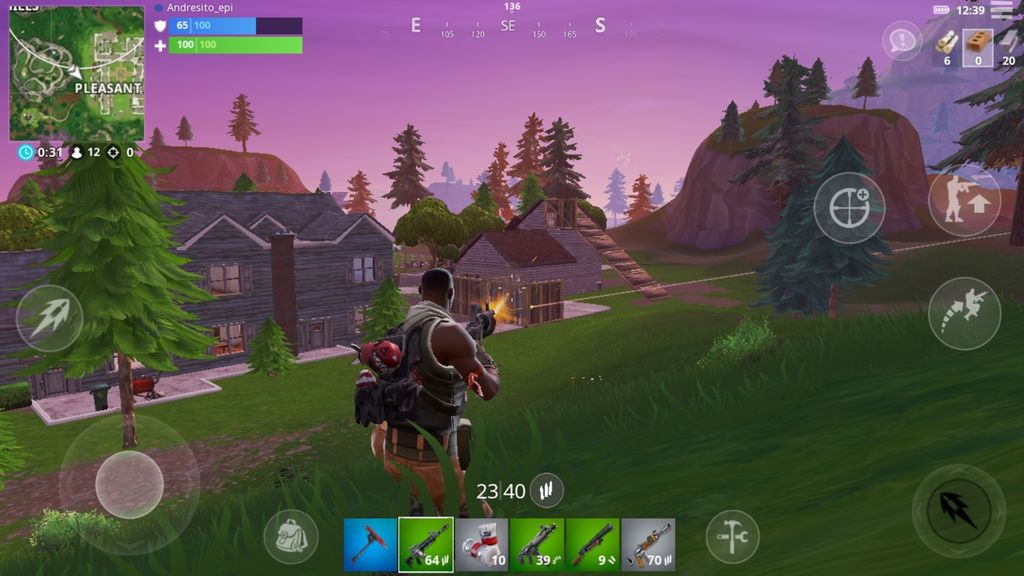
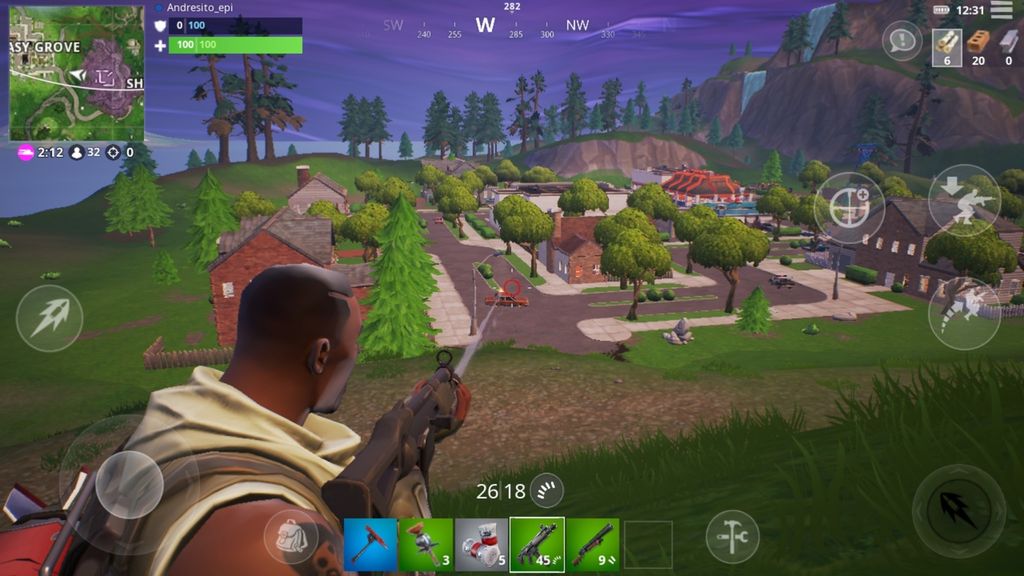
Fortnite is a fast-paced online battle royale where up to 100 players drop onto an island, gather weapons and resources, and fight to be the last survivor standing. Bright visuals, crazy weapons, and chaotic moments make every match feel like a mini action film.
Creative Sandbox Mode 🏝️
Beyond survival, Fortnite includes Creative modes where players can design their own maps, mini-games, and custom worlds. Jump into parkour runs, racing tracks, or unique arenas built by the community, all within the same game.
Always Changing World 🔄
The game is constantly updated with new seasons, live events, and collaborations with movies, shows, and other games. Fresh weapons, map updates, and evolving storylines keep the island feeling new and exciting over time.
Play With Anyone, Anywhere 🎮
Fortnite supports cross-play across mobile, console, and PC. Team up with friends, use voice chat, and enjoy both casual fun and competitive matches—all for free, with optional cosmetic purchases only.
How to Get Started
Step 1: Getting Started 🎮
Step 2: Install Fortnite, sign in or create an Epic account, and select a mode (Battle Royale is the classic choice). Choose a server region with good ping, adjust basic settings, then press “Play” to queue for a match.
Step 3: Jump From the Battle Bus
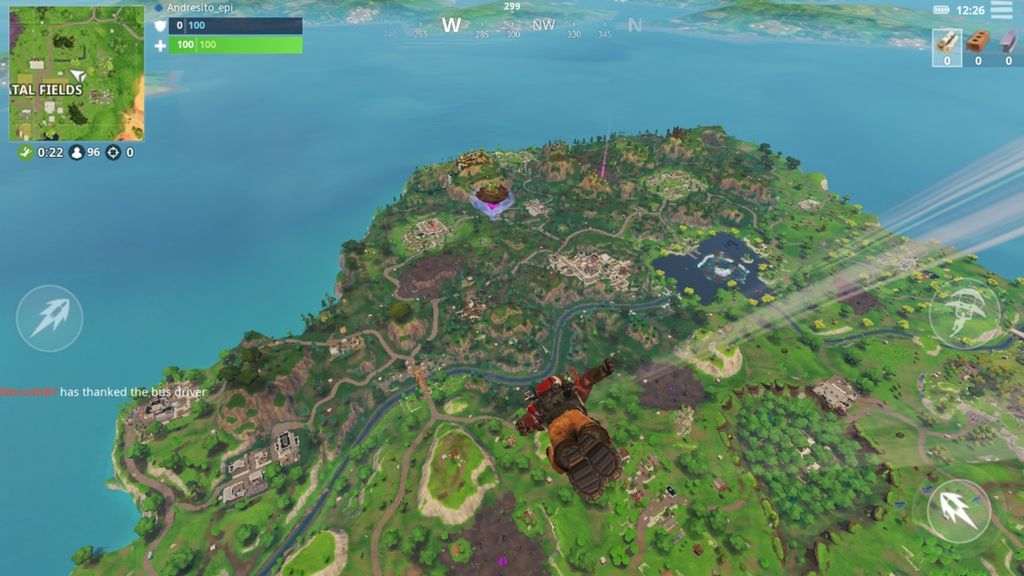
Step 4: When the match begins, ride the Battle Bus and decide where to land on the island. Jump out, deploy your glider, and aim for areas with plenty of buildings, chests, and floor loot.
Step 5: Loot Weapons and Supplies
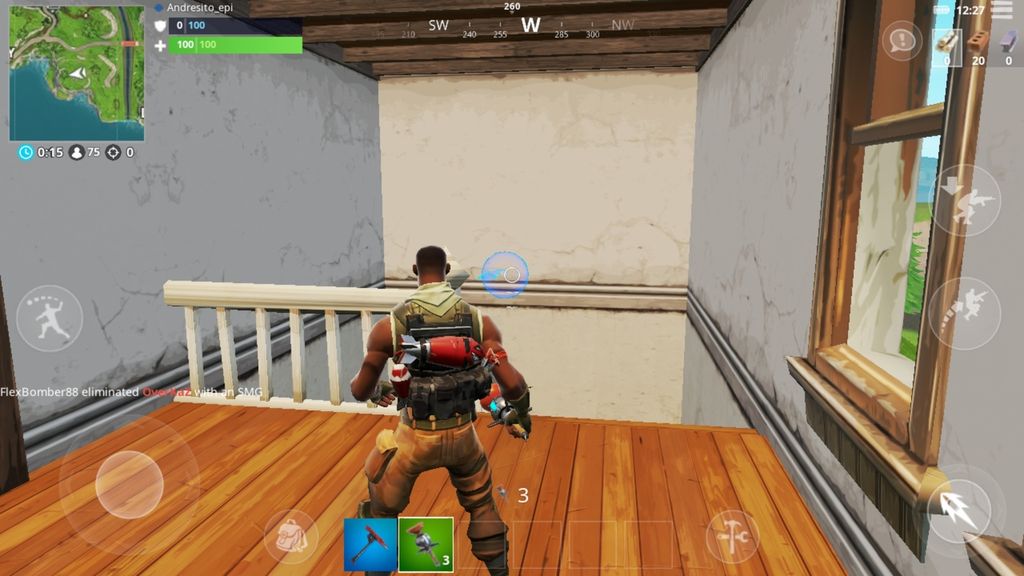
Step 6: After landing, quickly open chests and grab nearby loot. Secure at least one close-range weapon, one long-range option, ammo, and healing items like shields or medkits. Stay mobile and avoid standing still too long.
Step 7: Track the Storm Circle
Step 8: Keep an eye on the map for the safe zone. Rotate into the circle before the storm closes in, or your health will steadily drop. Plan your route through named areas to gather extra loot along the way.
Step 9: Build or Use Cover
Step 10: Place walls, ramps, and floors to block incoming fire if building is enabled. In Zero Build mode, rely on natural cover such as rocks, buildings, and terrain. Always peek carefully instead of standing out in the open 😅.
Step 11: Take Smart Fights
Step 12: Listen for footsteps and gunfire to locate enemies. Crouch for accuracy, aim for headshots, and take high ground whenever possible. Third-partying fights—attacking players already engaged—is often a strong strategy.
Step 13: Upgrade and Survive
Step 14: Use upgrade stations or loot higher-rarity weapons from chests and eliminated players. Keep your health and shields topped up, rotate with the storm, and survive until only one player or squad remains to earn the Victory Royale 🏆.
Download App
Star Ratings
More Games to Play









Disclaimer
Playcove is not affiliated with nor represents any developer, and is not the developer of any App or game.
Playcove solely collects and displays information from Google Play, including screenshots, historical version APK files, and download links.
All trademarks, registered trademarks, product names, company names, and logos appearing on this site are the property of their respective owners.
We guarantee the security of all APK files provided on our site and also provide official download links from Google Play and the App Store for your reference.