












Fish Eat Fish.io
Epic Plane Evolution

Spring Spear: Aim & Snap

Heartopia

Escalators

Love Tester - Find Real Love

Survivalcraft

Gangs Wars: Pixel Shooter RP

Weapon Master: Gun Shooter Run

Ride Master: Car Builder Game

Garten of Banban 2
Euphoric Brothers Games
Updated
Oct 28, 2026
Category
Horror
Installs
10M+
Rating
Updated
Oct 28, 2026
Category
Horror
Developer
Euphoric Brothers Games
Installs
10M+
Rating
Game Screenshots
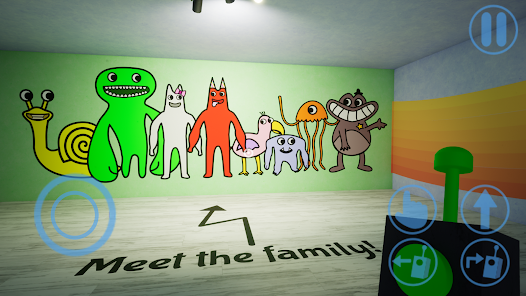
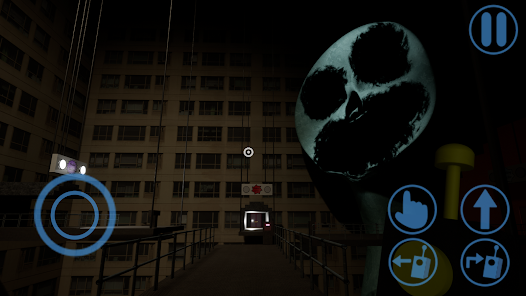
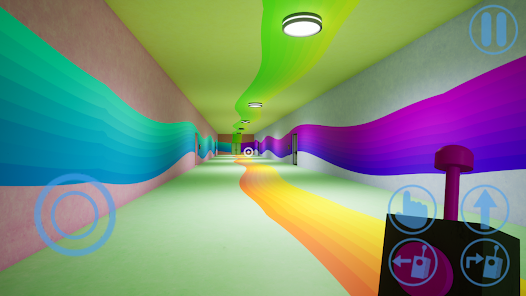
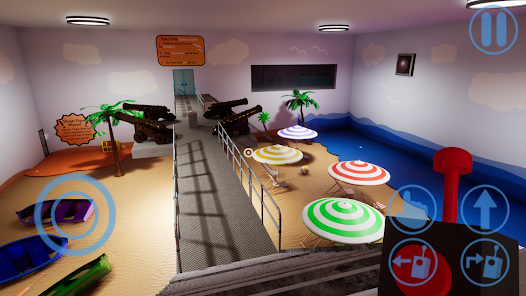
Game Overview
Creepy Kindergarten Adventure
Garten of Banban 2 is a first-person horror adventure set in a once cheerful kindergarten that turned mysteriously empty ð±. Explore underground levels, follow strange clues, and uncover what happened to the missing children.
Colorful Mascots, Dark Secrets
Cute mascot characters like Banban, Jumbo Josh, and friends look friendly but hide something sinister ð. Each area mixes bright colors with eerie silence, making every hallway feel both playful and terrifying.
Puzzle Survival Gameplay
Move through labs, tunnels, and secret rooms while solving simple puzzles, using keycards, and operating devices. Watch your surroundings carefullyâsome mascots stalk, chase, or surprise from above ð£.
Short but Intense Story
Designed for bite-sized horror sessions, the game offers a focused story, memorable jump scares, and plenty of âdid that just happen?â moments ð. Perfect for players who enjoy spooky mysteries without overly complex controls.
How to Get Started
Step 1: Basic Gameplay
Step 2: Step into the role of a visitor exploring the hidden levels beneath Banban’s Kindergarten. Search for clues, solve puzzles, avoid dangerous mascots, and use your drone companion to reach places beyond your grasp 🤖.
Step 3: Master the Controls
Step 4: Use the joystick or WASD to move, and swipe or move the mouse to look around. Tap or click to interact with doors, buttons, and objects. Adjust the sensitivity and graphics in Settings if the controls feel too fast or the game appears too dark.
Step 5: Search for Clues
Step 6: Examine notes, drawings, and messages scattered across walls and tables. They often reveal your next objective or warn of nearby dangers. If you're stuck, revisit earlier areas with locked doors or inactive machines.
Step 7: Control the Drone
Step 8: Call your drone using the action button, then tap where you want it to fly. Use it to activate distant switches, press glowing buttons, or interact with objects behind glass. If it gets stuck, recall it or move closer before trying again 😊.
Step 9: Collect Keys and Tools
Step 10: Pick up keycards and useful items while exploring. Test new keycards on matching doors or control panels nearby. Listen for sounds and watch indicator lights to know when a machine activates or a new path opens.
Step 11: Stay Away from Mascots
Step 12: Some mascots will chase or attack as soon as they spot you. When danger appears, look for escape routes like doors, platforms, ladders, or safe hallways. If you're caught, reload the checkpoint and remember what happened so you're better prepared next time 😵.
Step 13: Explore One Area at a Time
Step 14: Fully search each section before moving on. Gather useful items, solve puzzles with the drone, and unlock the next area. Watch for clues such as arrows, colors, and floor markings—careful exploration is usually safer than rushing ahead 👣.
Download App
Star Ratings
More Games to Play














Disclaimer
Playcove is not affiliated with nor represents any developer, and is not the developer of any App or game.
Playcove solely collects and displays information from Google Play, including screenshots, historical version APK files, and download links.
All trademarks, registered trademarks, product names, company names, and logos appearing on this site are the property of their respective owners.
We guarantee the security of all APK files provided on our site and also provide official download links from Google Play and the App Store for your reference.