












Fish Eat Fish.io
Epic Plane Evolution

Spring Spear: Aim & Snap

Heartopia

Escalators

Love Tester - Find Real Love

Survivalcraft

Gangs Wars: Pixel Shooter RP

Weapon Master: Gun Shooter Run

Ride Master: Car Builder Game

Townscaper
Raw Fury
Updated
Oct 28, 2026
Category
Simulation
Installs
10M+
Rating
Updated
Oct 28, 2026
Category
Simulation
Developer
Raw Fury
Installs
10M+
Rating
Game Screenshots
Game Overview
Peaceful Creative City Builder
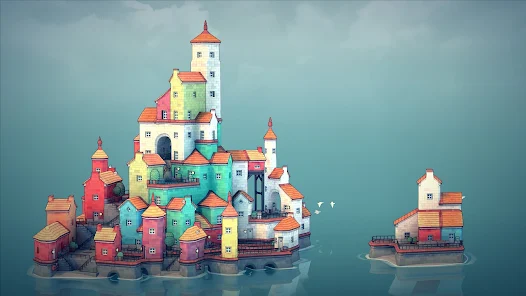
Townscaper is a relaxing sandbox experience where every tap transforms the ocean into a charming seaside town 🌊. There are no missions, timers, or resource management—just effortless building, colorful architecture, and a calming atmosphere that encourages creativity.
Smart Building, Beautiful Results
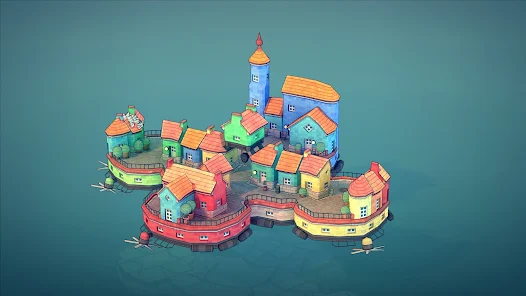
Simply place blocks on the water and watch the game automatically generate houses, towers, stairways, bridges, and winding streets. Its intelligent building system creates natural-looking towns without requiring complicated construction tools ✨.
Unlimited Creative Freedom
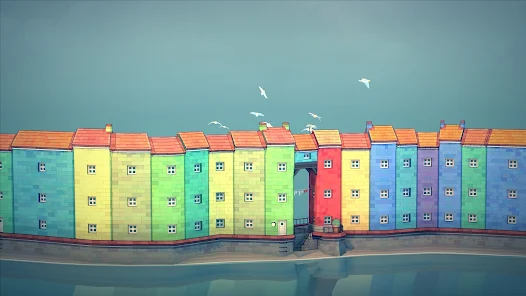
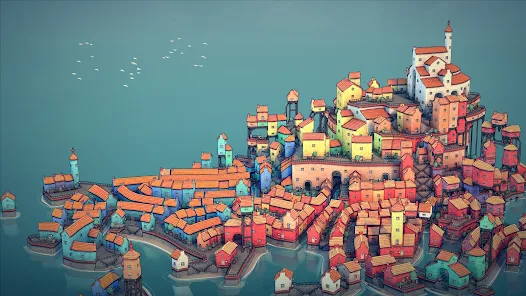
Design peaceful fishing villages, towering castles, floating neighborhoods, or colorful island cities. Experiment with layouts, shapes, and color combinations to create unique landscapes that are perfect for relaxing or capturing beautiful screenshots.
A Calm Escape Anytime
Whether you have a few spare minutes or an entire evening, Townscaper offers a stress-free creative playground. Gentle music, soothing animations, and endless design possibilities make every building session enjoyable and satisfying.
How to Get Started
Step 1: Getting Started
Step 2: Launch the game, choose a color from the palette, and begin placing blocks on the ocean grid. Every new block expands your town automatically, creating charming buildings and pathways without complicated controls.
Step 3: Place Your First Building
Step 4: Select any spot on the water and tap to create your first structure. Continue tapping the same location to build upward, forming taller houses and impressive towers.
Step 5: Expand Your Town
Step 6: Tap nearby tiles to extend your settlement across the sea. As neighboring buildings connect, the game automatically generates streets, courtyards, docks, and small plazas.
Step 7: Discover Automatic Structures
Step 8: Experiment with different layouts and elevations to unlock bridges, staircases, arches, balconies, and other architectural details. Small changes often create surprisingly beautiful results.
Step 9: Change Colors Anytime
Step 10: Use the color palette to switch building colors whenever you like. Repaint existing structures or mix several colors together to create distinctive neighborhoods and eye-catching landmarks.
Step 11: Edit Your Design
Step 12: Remove blocks whenever you want to reshape the town and try new ideas. There are no penalties for experimenting, making it easy to redesign your city until it looks exactly the way you want.
Step 13: Explore Different Views
Step 14: Rotate the camera, zoom in or out, and adjust the viewing angle to appreciate your creation from every perspective. Capture screenshots of your favorite designs and continue expanding your island masterpiece.
Download App
Star Ratings
More Games to Play












Disclaimer
Playcove is not affiliated with nor represents any developer, and is not the developer of any App or game.
Playcove solely collects and displays information from Google Play, including screenshots, historical version APK files, and download links.
All trademarks, registered trademarks, product names, company names, and logos appearing on this site are the property of their respective owners.
We guarantee the security of all APK files provided on our site and also provide official download links from Google Play and the App Store for your reference.